Do Security Cameras Need WiFi? Your Options
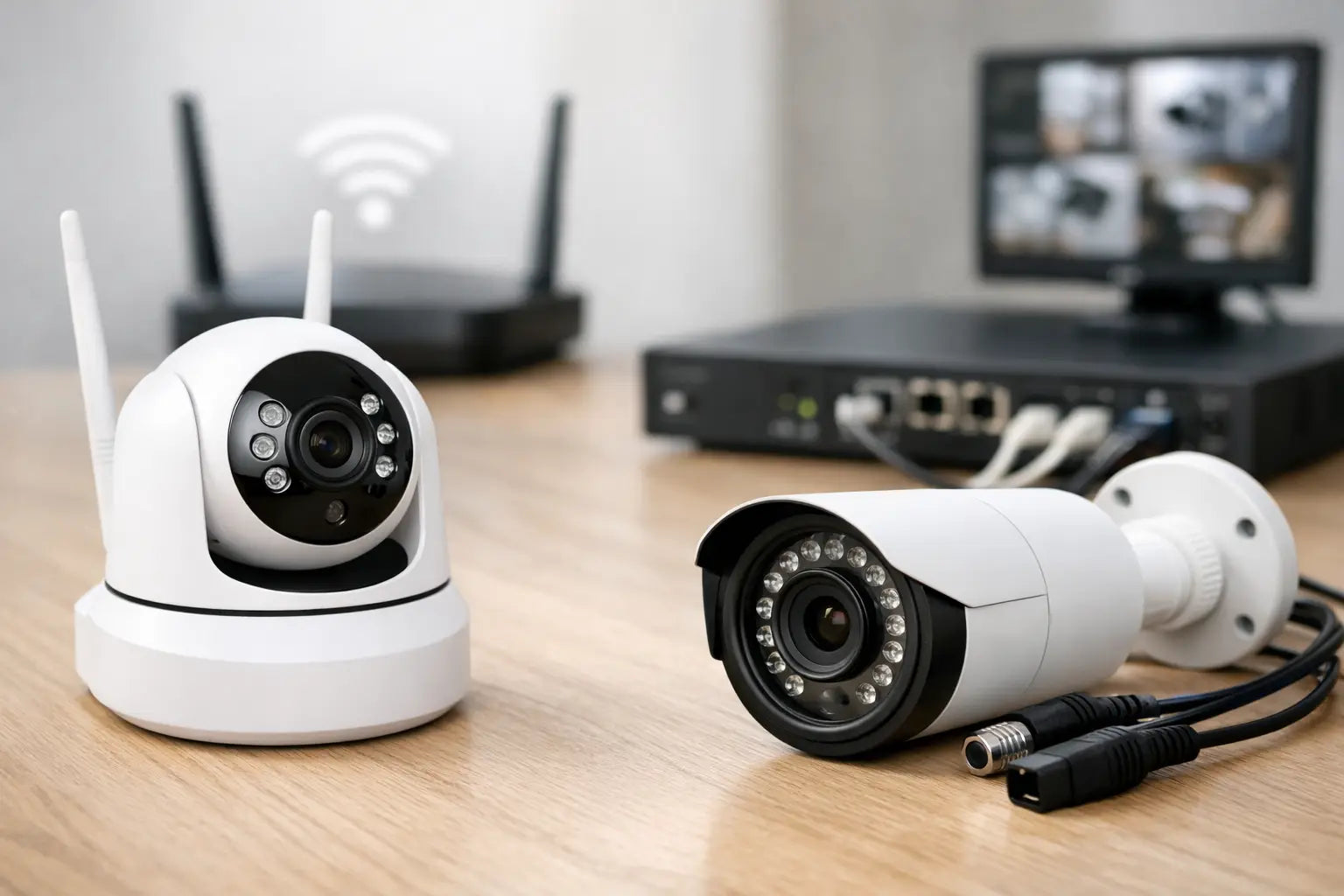
A camera over the garage does not help much if it stops recording the moment your home internet goes down. So, do security cameras need wifi? No. WiFi is useful for remote viewing, motion alerts, and cloud video storage, but many security cameras can record without it. The right setup depends on what you need to protect, whether power is available, and how often you need to check footage away from home.
For a front door, driveway, workshop, boat slip, detached garage, or campsite storage area, the best camera is the one that keeps working under the conditions you actually have. That may be a WiFi model, a wired camera system, a cellular camera, or a standalone unit with local storage.
What WiFi Does for a Security Camera
WiFi connects a camera to your home network without running an Ethernet cable to the camera. When that network also has internet service, you can usually open an app from work, while traveling, or from the trail to view live video. WiFi can also send motion notifications, support two-way audio, and upload recordings to cloud storage.
Those are valuable features, especially for entry doors, package deliveries, pets, and frequently used outdoor areas. A WiFi camera is often the most convenient choice when you have a strong signal at the installation point and want simple app-based monitoring.
But WiFi is not the same as power. Most WiFi cameras still need electricity from an outlet, a wired connection, a rechargeable battery, or a solar panel. And WiFi alone does not guarantee that video will be saved if the router, internet service, or camera power fails.
When Security Cameras Can Work Without WiFi
A camera can capture and store video without WiFi as long as it has power and a place to save the footage. In these setups, you may not get instant phone alerts or live viewing from anywhere, but you can still review recordings later.
Cameras With SD Card Storage
Many standalone and battery-powered cameras record motion events to a microSD card. This is a practical option for a shed, gate, RV, hunting property, or other location where internet service is unavailable or unreliable. The camera detects motion and saves clips directly to the card.
The trade-off is access. Without a network connection, you generally need to be near the camera to view footage through its app or remove the card to review files. Storage capacity also matters. Higher resolution video and busy areas with frequent motion fill a card faster.
Look for cameras that support loop recording, which automatically overwrites the oldest clips when storage is full. For exterior use, confirm the camera has weather resistance appropriate for rain, dust, and seasonal temperature changes.
Wired DVR and NVR Systems
Traditional wired systems do not need WiFi to record. Cameras connect by cable to a digital video recorder (DVR) or network video recorder (NVR), which stores footage on a hard drive. These systems are a strong fit for homes, larger yards, workshops, and properties that need multiple cameras running continuously.
DVR systems commonly use coaxial cable, while NVR systems often use Ethernet cable. Power over Ethernet, usually called PoE, is especially useful because one Ethernet cable can carry both power and video data to each compatible camera. That means no battery charging and fewer separate power connections at the camera location.
A wired recorder can continue recording during an internet outage. If you connect the recorder to your router, you may still be able to view footage locally on a monitor or device connected to the same network. Remote viewing from outside the home usually requires working internet, but the recording itself does not.
Cellular Security Cameras
Cellular cameras use a mobile data connection instead of your home WiFi. They are built for places such as construction sites, rural gates, barns, trailheads, vacant properties, and remote equipment areas. Most require a SIM card and a monthly cellular data plan.
This option gives you remote alerts and live viewing where WiFi is not available. It also has ongoing costs, and video streaming can use data quickly. To control usage, set motion zones carefully, reduce unnecessary alerts, and choose recording settings that match the coverage you need.
Do Security Cameras Need WiFi for Remote Viewing?
Usually, yes. If you want to pull up live video while you are away from the property, the camera needs some path to the internet. That path can be home WiFi, a wired Ethernet connection, or cellular data.
A wired camera connected to an NVR may not use WiFi at all, yet still support remote viewing if the recorder is plugged into the internet router. This distinction matters when shopping. A camera described as “wireless” may simply mean it sends video over WiFi. It may still require a power cord, and it still depends on your wireless signal.
For reliable remote access, place the camera where WiFi coverage is strong. Thick exterior walls, brick, metal siding, garages, and distance from the router can weaken the connection. If the signal is poor, a WiFi extender, mesh network node, or wired PoE camera may be a better answer than repeatedly reconnecting a camera that drops offline.
What Happens When WiFi or Internet Goes Out?
The answer varies by camera model and storage method. A WiFi camera with local SD card storage may continue detecting motion and recording clips even when internet service is down. You simply will not receive remote alerts or be able to check the feed from elsewhere until service returns.
A cloud-only camera may lose its ability to save footage during an outage. Before buying, check whether the model supports local recording, cloud recording, or both. Local backup is useful for homes in areas with frequent storms, rural properties, and anyone who wants an extra layer of control over video files.
A wired DVR or NVR system usually keeps recording as long as the cameras and recorder have power. A battery backup for your modem, router, recorder, and PoE switch can extend protection during short power interruptions. It will not keep equipment running forever, but it can cover the outage window that matters most.
Choose the Setup That Fits Your Property
Start with the location and your priorities, not just the camera resolution. A high-resolution WiFi camera is a smart fit for a front porch with strong signal and easy access to power. A PoE camera system makes more sense for full-time coverage of a driveway, backyard, or several entry points. A battery camera with SD card storage can cover a shed or remote corner where pulling cable would be difficult. For land or equipment far beyond home internet range, cellular is often the practical choice.
Consider these questions before you choose:
- Do you need live viewing and alerts while away from home?
- Is reliable power available at the camera location?
- Can your WiFi signal reach the area without frequent dropouts?
- Do you want continuous recording or only motion-triggered clips?
- Would you rather pay for cloud service, manage local storage, or use a recorder with a hard drive?
Security and Privacy Still Matter
Internet-connected cameras add convenience, but they should be set up carefully. Use a unique, strong account password and turn on two-factor authentication if the camera app offers it. Install firmware updates when available, and avoid sharing camera access more widely than necessary.
For outdoor cameras, protect the camera physically as well. Choose a weather-rated housing, secure the mounting hardware, and keep power connections sheltered from moisture. If a camera uses removable storage, position it where it is not easy for someone to reach and remove the card.
A good system balances visibility and discretion. A clearly visible camera can discourage unwanted activity, while coverage of side doors, rear gates, storage areas, and equipment may benefit from a less obvious placement. Check local rules and respect neighbors' privacy by keeping cameras focused on your property.
The best camera plan is not always the most connected one. Build coverage around dependable power, useful angles, and recording that continues when conditions are less than perfect. Whether you are securing the house before a weekend on the water or keeping an eye on gear between adventures, choose the setup that will still be ready when you need it.
Shop this guide


Compare all 6 lights & power →
Free shipping on all orders within the United States.